
Before Charleston’s warm, humid weather arrives, take a few minutes to check your air conditioner. A clean filter, open vents, and correct thermostat settings can help your system start smoothly and circulate air through your home. These simple checks won’t replace professional maintenance, but they can reveal common issues early. Turn the system off before inspecting accessible parts, and stop if you notice damaged wiring, water near electrical components, or anything you’re unsure how to handle.
Inspect the Air Filter
Find the filter in the return-air grille or the indoor unit, following your system’s instructions. Check its condition: if it looks gray, dusty, or clogged, replace it with the size and type specified by the manufacturer. Note the airflow arrow on the frame and point it in the direction shown for your equipment. A filter that fits poorly can let dust bypass it.
If the filter looks clean, confirm it is seated correctly and has not become damp or misshapen. Check it regularly during the cooling season, especially if you have pets, construction dust, or frequent system use. Avoid adding extra filters or using a more restrictive filter than your system calls for; either can limit airflow.
Clear Vents and Returns
Walk through each room and make sure supply vents are open and not covered by rugs, curtains, furniture, or storage. Keep return grilles clear too. Supply vents deliver cooled air, while return grilles let room air travel back to the system. Blocking either can interfere with airflow and leave rooms less comfortable.
Dust visible vent surfaces with a soft cloth or vacuum attachment. Don’t push objects deep into the ductwork or use household cleaners inside the vents. If airflow seems weak at several vents after you clear obstructions and replace a dirty filter, note which rooms are affected and arrange a professional inspection.
Check Thermostat Settings
Set the thermostat to Cool and choose a temperature that feels comfortable for your household. If the thermostat uses batteries, replace them if the display is dim or unresponsive. Check that the time and schedule are correct, particularly if the settings changed during the cooler months.
Use Auto for the fan setting if you want the system to run the fan only while cooling. With On, the fan may keep circulating air between cooling cycles. After making adjustments, give the system time to respond rather than repeatedly changing the setting. If the thermostat display is blank or the system does not respond, consult its manual before troubleshooting further.
Look Over the Outdoor Unit
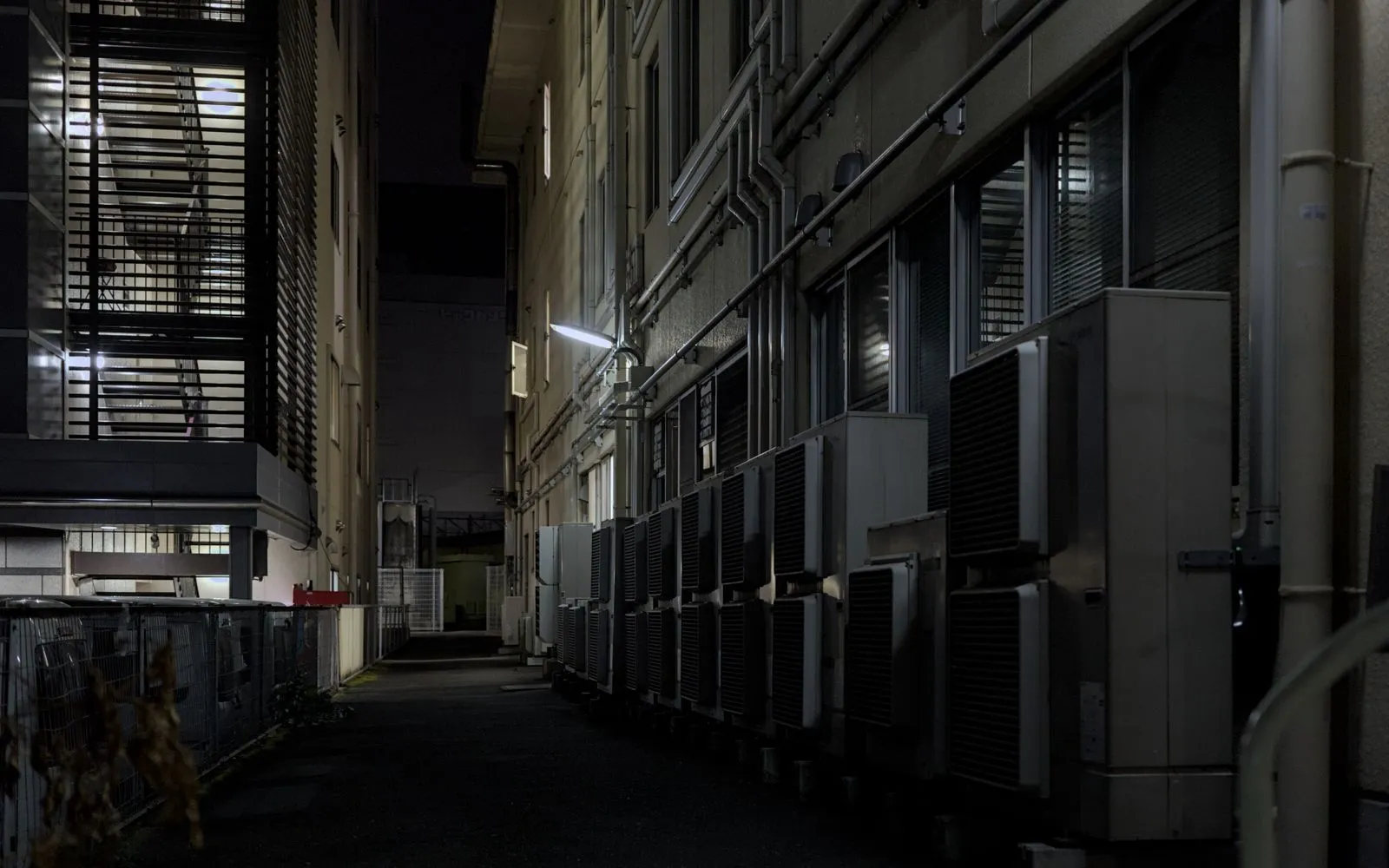
From a safe distance, check that leaves, grass, and other debris are not packed around the outdoor unit. Remove loose debris nearby, but don’t open the cabinet, bend the fins, or spray electrical components. Keep plants and stored items from crowding the unit so air can move around it.
When you’re ready to test the system, follow the manufacturer’s instructions and listen for unusual grinding, repeated clicking, or other new sounds. If you see damaged wiring, a water leak near electrical parts, or the system trips a breaker, switch it off and contact a qualified HVAC professional. Harbor Air Care can help with seasonal maintenance in Charleston.
A quick pre-season check can help you catch a dirty filter, blocked airflow, or incorrect thermostat setting before the first hot stretch. If the system still struggles to start or cool your home, avoid taking apart the equipment. Contact a qualified HVAC professional to inspect it and help prepare your AC for the season.